Find Faces
Find faces and choose a person by thumbnail. Masks and settings apply to the selected face while the photo position and zoom stay unchanged.
 VENDAX
Local AI retouching in Photoshop: skin masking, blemish and skin tone correction, wrinkle tools, frequency separation, eyes and teeth. Adjustable effect strength.
Explore the panel. Sales and public downloads are not open yet.
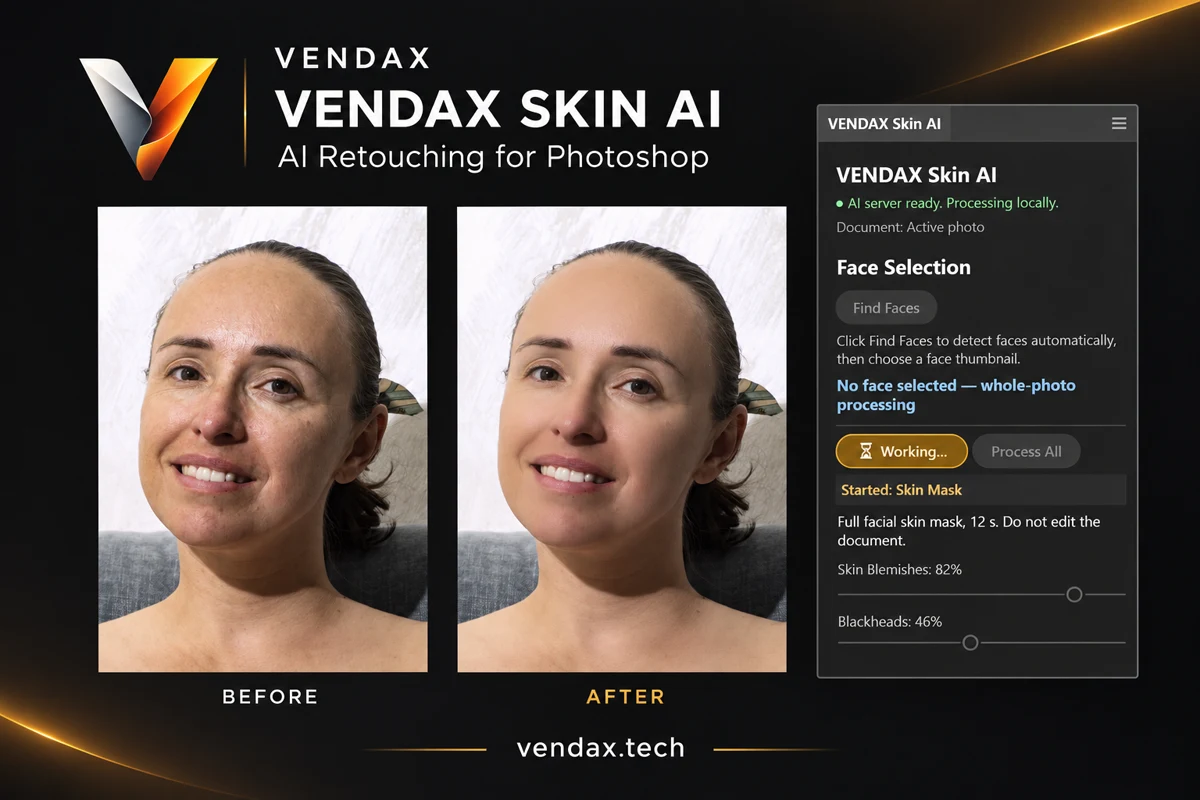
A step-by-step demonstration of skin masking, retouching, wrinkles, frequency separation, eyes and teeth.
Find faces and choose a person by thumbnail. Masks and settings apply to the selected face while the photo position and zoom stay unchanged.
Create and refine the skin mask with brushes. Red shows protection: a black brush protects; a white brush allows processing.
Selective retouching of skin blemishes and blackheads. Adjust correction strength on separate masked layers.
Separate pigmentation and skin tone controls help tune the result for the selected face.
Detect Wrinkles identifies areas; Show Protection displays the mask. Refine it, run Soften Wrinkles and adjust strength.
Three bands: LOW for tone, MID for detail and HIGH for texture. Adjust radii and band strength using the skin mask.
Separate effects and sliders for eye whites, irises and teeth. Compare each effect with the original appearance.
Adjust effect strength from 0 to 100%. Keep editable layers and masks in PSD/PSB or TIFF and export JPEG as a separate copy.
Explore the panel. Sales and public downloads are not open yet.