
VENDAX Studio — Photo and Video Organizer & Editor
This website introduces VENDAX products. Sales and downloads are not available yet.
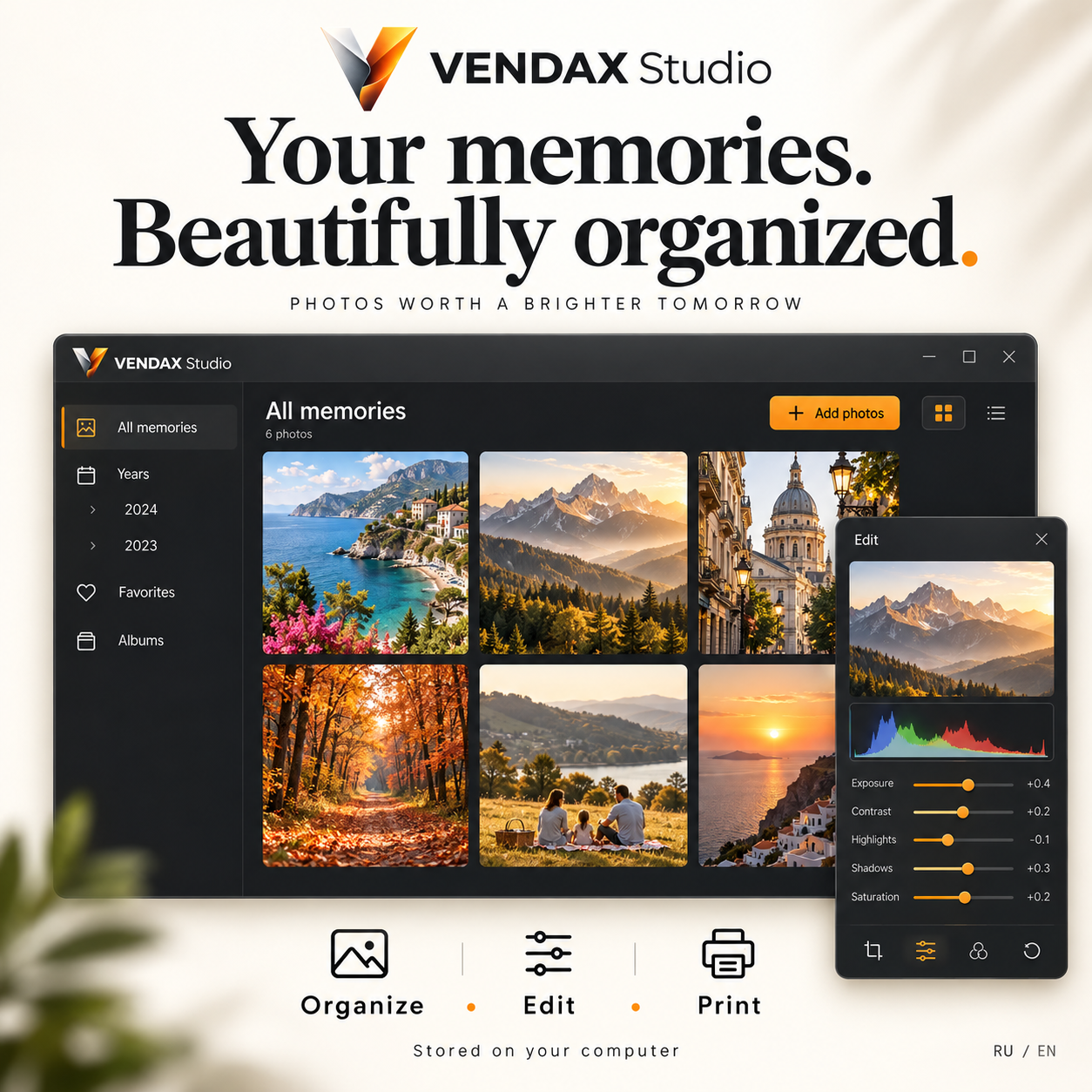
Photo and video organizer with editing tools
VENDAX Studio combines a photo and video organizer with editing tools in one application. Manage your photo and video archive, edit your media, prepare photos for printing and send images to clients.
Features and guideWatch the full English tutorial — VENDAX Studio
Step-by-step tutorial with English narration and subtitles.
User guide
22.10.2026
User guide →Features and workflow
- Adding photos and videos — You can select several files at once.
- Albums and archive sections — Photos and videos have separate sections: Photos ; Videos
- Viewing, searching and descriptions — Click a card to open a photograph or video. View the media; Change its title; Set its date and year; Add a text description
- Built-in photo editing — The built-in editor can adjust: Brightness; Contrast; Saturation; Temperature
- Built-in video editor — Open a video and choose the built-in video editor. Moving clips; Trimming the start and end; Splitting a clip; Scissors tool
- Voice notes — Voice notes preserve a story, comment or memory associated with a photo or video.
- Saving files, copying and printing — For RAW, downloading the original returns the source RAW file, not a reduced thumbnail.
- Backups — A backup helps restore an archive after data damage or transfer it to another computer. The catalog database; Imported originals; Registered edited versions; Saved audio notes
Read the guide
Start with the guide and watch the recorded workflow in the full tutorial.